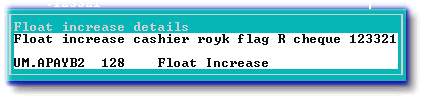
Use this option to capture the entries necessary to increase a cashiers float. The system assumes that a cheque will be issued from the Central trust account (Relevant agents share). Using this option is like capturing an agent sundry payment batch, but will allocate the cheque to a particular agents float and to the float control account in that agents general ledger.
The following is an example of the float increase screen:

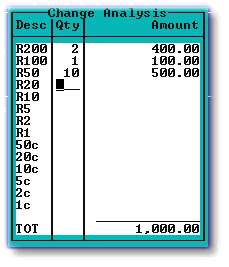
Enter the details of the coinage received from the bank when the float increase cheque was cashed, in field 4, as in the example below:
Details of the agent sundry payment batch will be displayed, after filing the increase, as in the example below: