Use this screen to capture the details and amounts of the items that make up the balance due by a debtor when taking it on for the first time. This is generally used when the system is first employed to manage the debtors for the relevant business.
The following screen is an example of the screen:
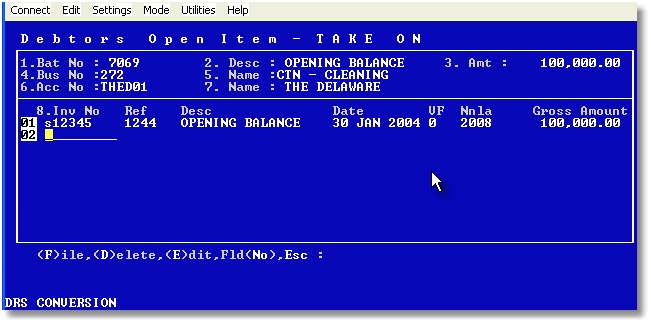
Note that there would normally be no VAT, and that you should choose a relevant general ledger account tat would contra out against your opening accounting entry.
Enter the invoice numbers or other references that make up the opening balance under the Inv. No. column.