Use this screen to process a refund of a net credit balance to a unit. It will only allow a refund of a net credit balance (excluding deposit billing) to a unit that has deposit refund banking details captured:
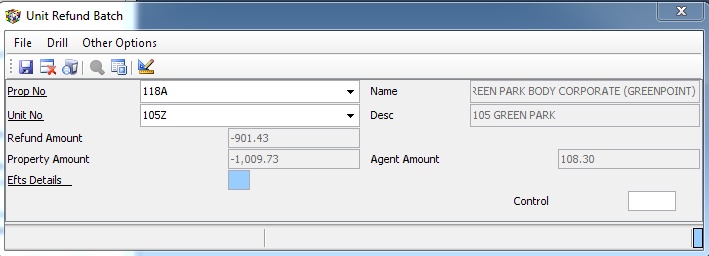
After filing the batch, the system will automatically post the necessary batches to record the refund/s. It will add an entry to the list to be included in the export file to be uploaded to bank for actual payment.
The system will use a sequential cash book reference which will change each time a batch of refunds is processed.
The export to Standard Bank is run using Export Unit Credit Balance Refund Efts Batch To Std Bank Format on the Import Export menu.