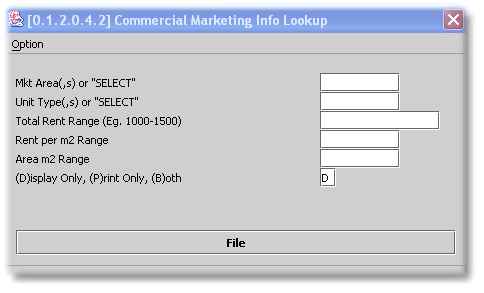
This program scans all marketing Units, i.e. Units available for letting, based on your specified selection criteria, and displays a report of the resultant data. Some accounts have linked their Web Sites directly to their system data thus making this information available to prospective tenants on the Internet.
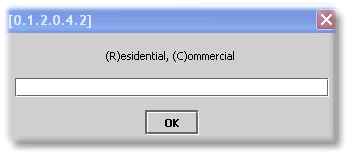
The initial choice provided is whether you are looking for Residential or Commercial Units:
The following is an example of a Residential Selection Screen:
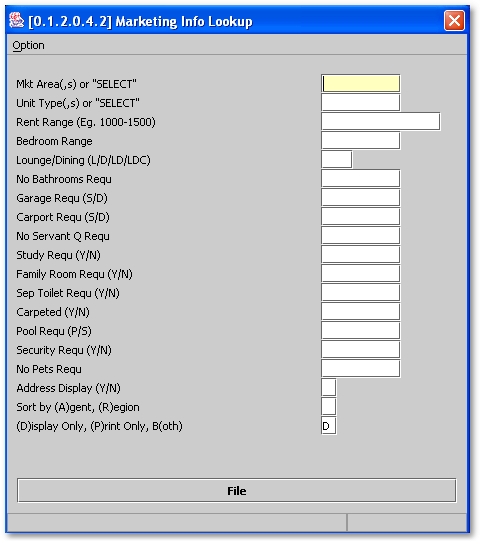
The Marketing Area is the suburb/s for which you wish to search within a city . If you type 'SELECT' and press Enter, you will be able to browse through available suburbs.
Note the Sort Order option. Select an option that will suit your purpose in running this report. The default sort order is by Available Date.
The following is an example of the Commercial Selection Screen: