Each General Ledger Account can be allocated to a Group. These Groups are used in certain reports in order to group relevant accounts for ease of reporting.
e.g. An Agent Income Statement
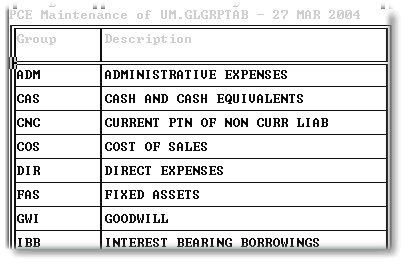
The following is the screen that appears when this option is run:
To create a new account, first check that there isn't an existing account that can be used. If there is not an existing, usable account, then follow the following procedure:
Type a '/' (Forward slash) to display the information at the top of the screen. Then type 'W', followed by 'I' (Insert), and 'R' to create a new row.
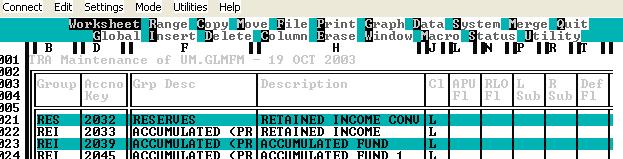
First, type the new Group Code, press enter, and then move the cursor to the Description Field and type the description for the Group Code.
To amend an exiting description, type ',' (comma), and the existing description will be displayed at the top of the screen for editing. Press 'E'nter to save the amended description.