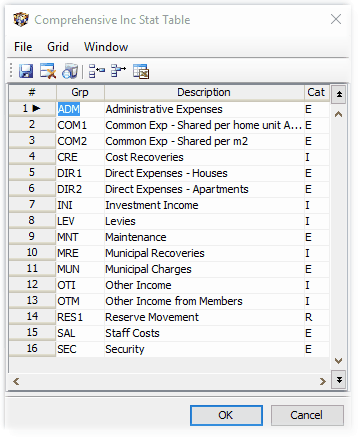
Use this table to setup categories for the Comprehensive Income Statement, to which general ledger codes are linked on the Maintain General Ledger Masterfile menu item. The links setup here, will be the default links, and can be overridden for a particular Property or Agent by linking GL codes to different categories (only for that Property/Agent), using Setup Local Overrides for Comprehensive Income Statement.
These categories are for both Property and Agent levels.
Only categories that are used by a Property or Agent will appear on the income statement.