This program will display or print a full list of general ledger accounts according to the selected options. The following is an example of the selection screen:
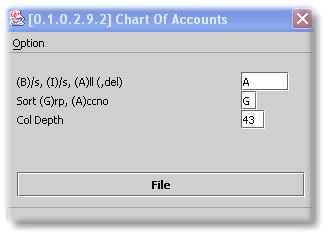
Choose 'B' for only balance sheet accounts, 'I' for only income statement accounts or accept the default of 'A' for a full list.
Choose the sort order - by Group (Refer to Maintain General Ledger Masterfile), or by account number.
Enter the number of lines per column that you wish have in your report.