This option will reverse all of the entries processed from a deposit till receipt. It is usually not included on a cashiers menu for control reasons. A manager or supervisor is usually required to capture this entry. It is usually used if any cheque paid is returned by the tenants bankers.
The following is an example of the reversal screen:
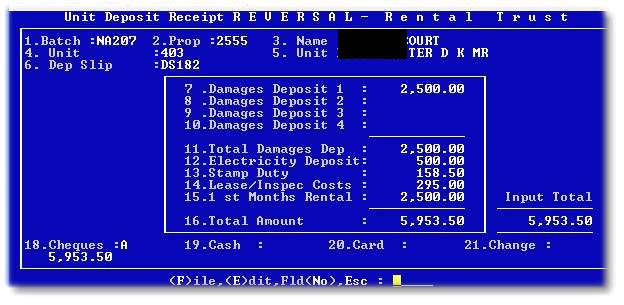
After entering the original batch number, the original batch data will populate the screen. The following message will indicate against which the deposit will be reversed:

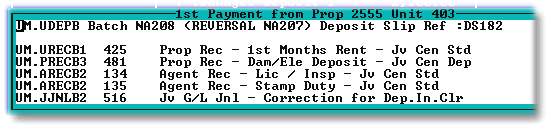
After 'F'iling the reversal, the following screen will be displayed and can be printed ( Ctrl 'F' and printer number ) listing the batches put through by the system to reverse the original entry: