This option copies the Manager information from one selected property, to one or many selected properties.
The detail copied is contained in the Managers field on the Maintain/Setup Property screen.
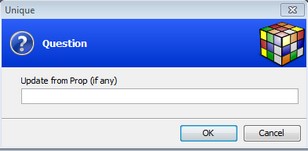
When running the option, you will first enter the property number that you want to copy from:
The system will display the manager information for the selected property:

Either enter through the fields and Save the screen ('.' if using the blue screen), and choose the properties that you want to copy to:
