This option is used to manually capture a bank statement and provides the best method for capturing small bank statement volumes. Larger volumes of bank statements can be added by means of the import facility.
The following is an example of the entry screen, which can also be used as a single reference reconciliation facility due to the fact that the Cash Book (Gl) amount is displayed, thus enabling you to see and check the amount as you enter it.
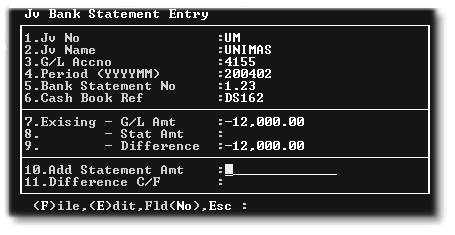
1.Jv No - Usually 'UM'
2.G/L Acc No - 4155 for the Central Bank Account or 4117 for the Management Level Local Bank Account.
3.Period - The Bank Statement Period. It is important to keep all of the entries for the month in the same period.
4.Bank Statement No - Enter the actual page number from the bank statement to facilitate reference at a later date.
5.Cash Book Ref - Enter the reference for the datea that you are capturing or click on 'Select/Drill' or press'F2' to search for a reference:
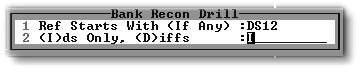
Enter the first few characters of the reference for which you are searching in Line 1.
Choose (I) on Line 2 to display all references that match your specification on Line 1.
Choose (D) on Line 2 to display only those references that do not match your specification in Line 1.
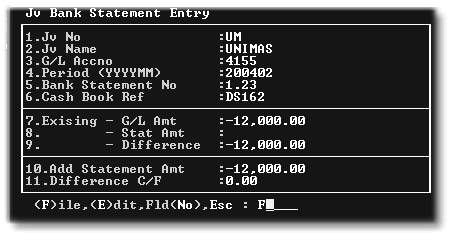
In our example, we have entered the R12000-00, note that the difference is now Nil, and we (F)ile the entry:
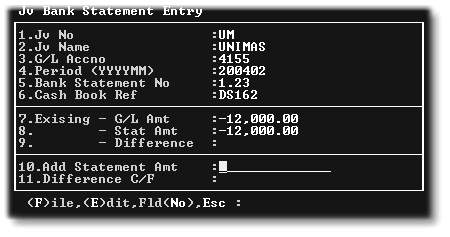
If we go back into the same reference, note that the difference is now Nil:
If you need to capture a bank statement item that has not yet been captured into the Cash Book, you will be asked to confirm that you are aware that you are entering a new item:
